Meet Dark Mode: warm, cosy and easy on the eyes
13 November 2026 · 1 min read
13 November 2026 · 1 min read
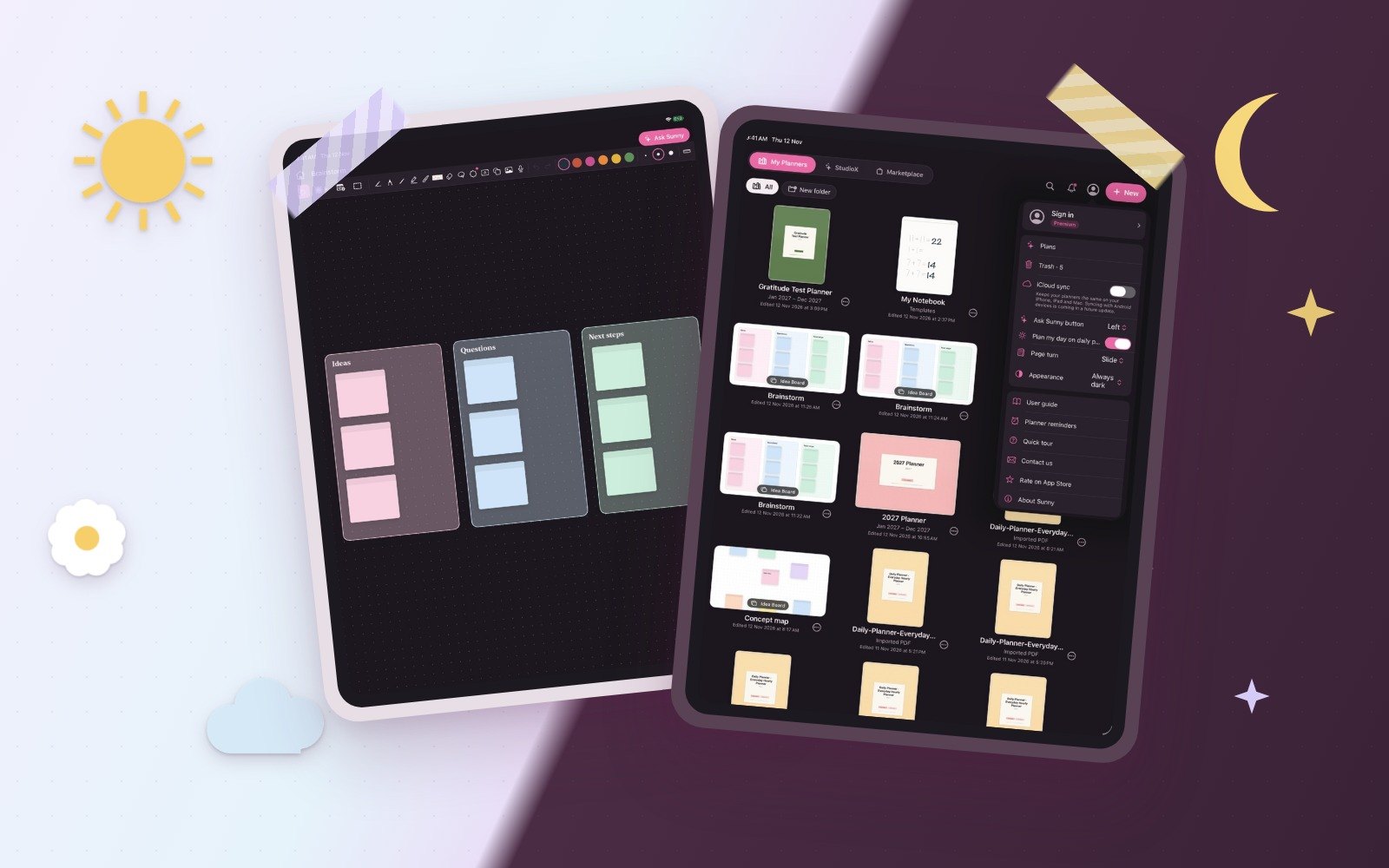
Sunny now has a Dark Mode in a warm plum, not a cold grey. Open your profile menu, tap Appearance and choose Automatic to follow your device, Always light or Always dark. Idea Boards go dark too, while planner pages, Docs and Kids boards stay white like real paper.

Note-taking, Digital Planner & Builder In One
Open Sunny and tap the bell on the home screen for all the latest news.
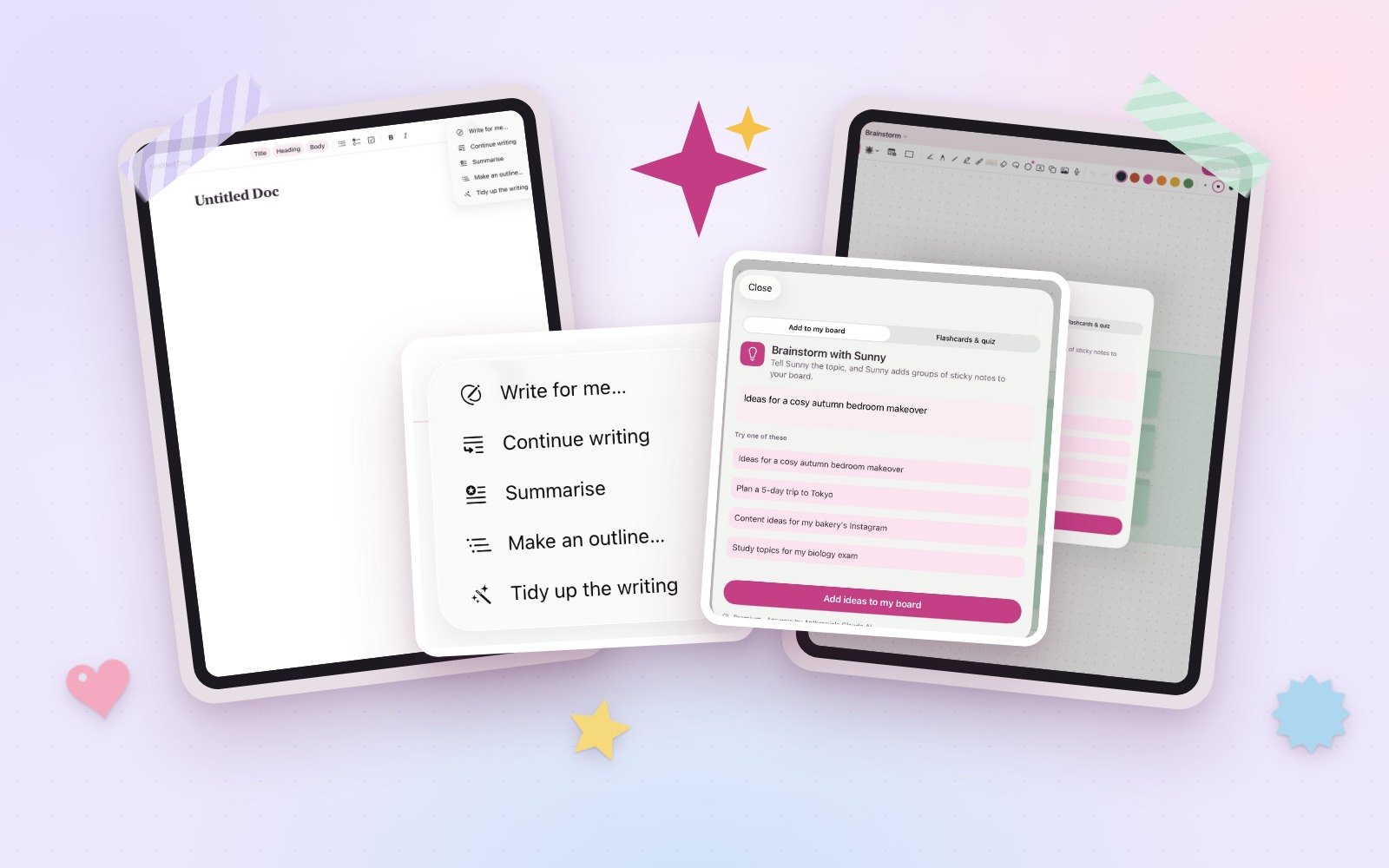
Ask Sunny already plans your day, week or year right onto your planner pages. Now Sunny helps in Docs and Idea Boards too: write a first draft,…
13 November 2026 · 1 min read
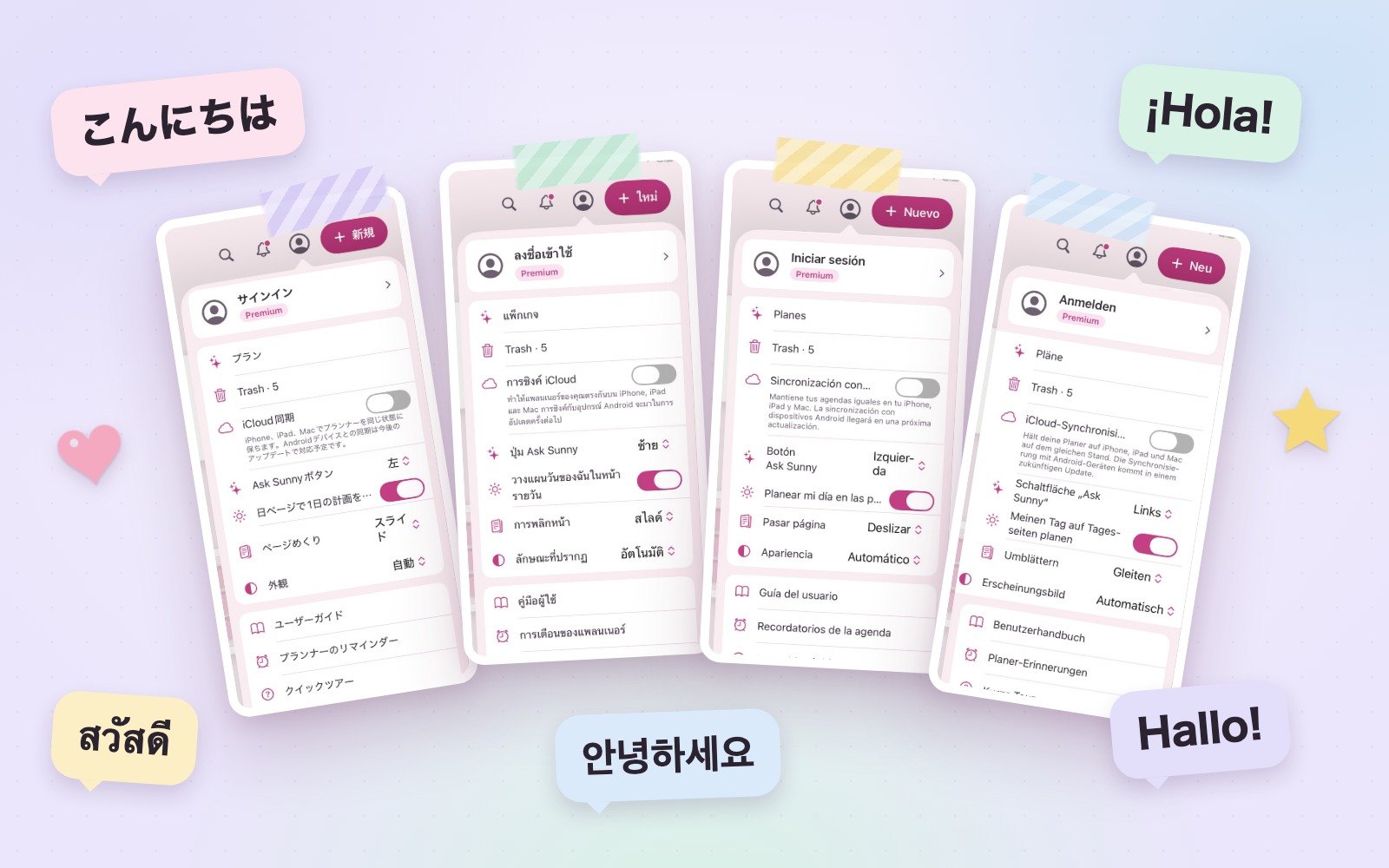
Every menu, button and message in Sunny now comes in 14 languages: English, German, Spanish, French, Italian, Japanese, Korean, Dutch, Portuguese,…
13 November 2026 · 1 min read
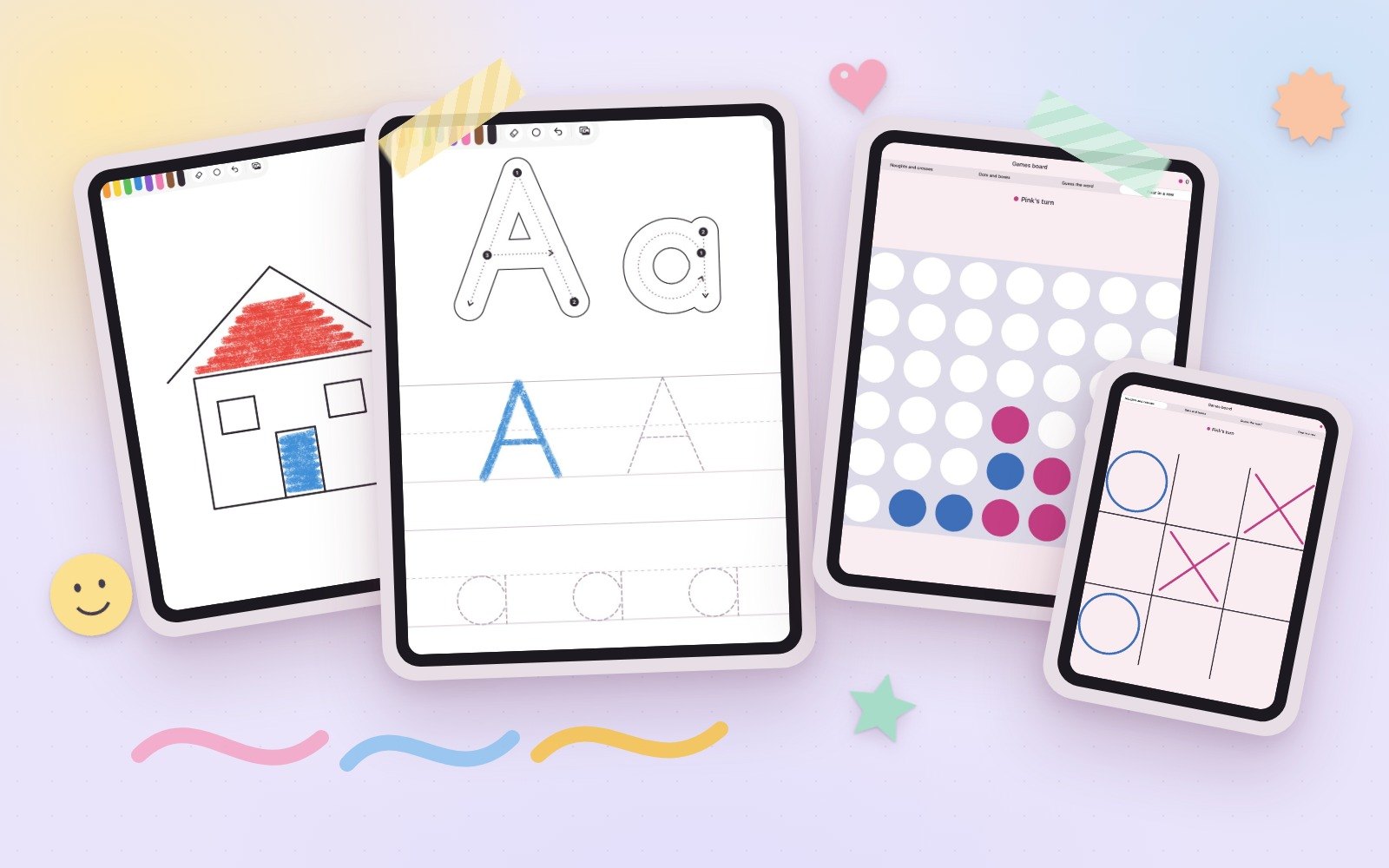
The Kids board has crayons, colouring pictures, your own photos and a tracing sheet for A to Z and 0 to 9, with numbered strokes and arrows. Leaving…
13 November 2026 · 1 min read